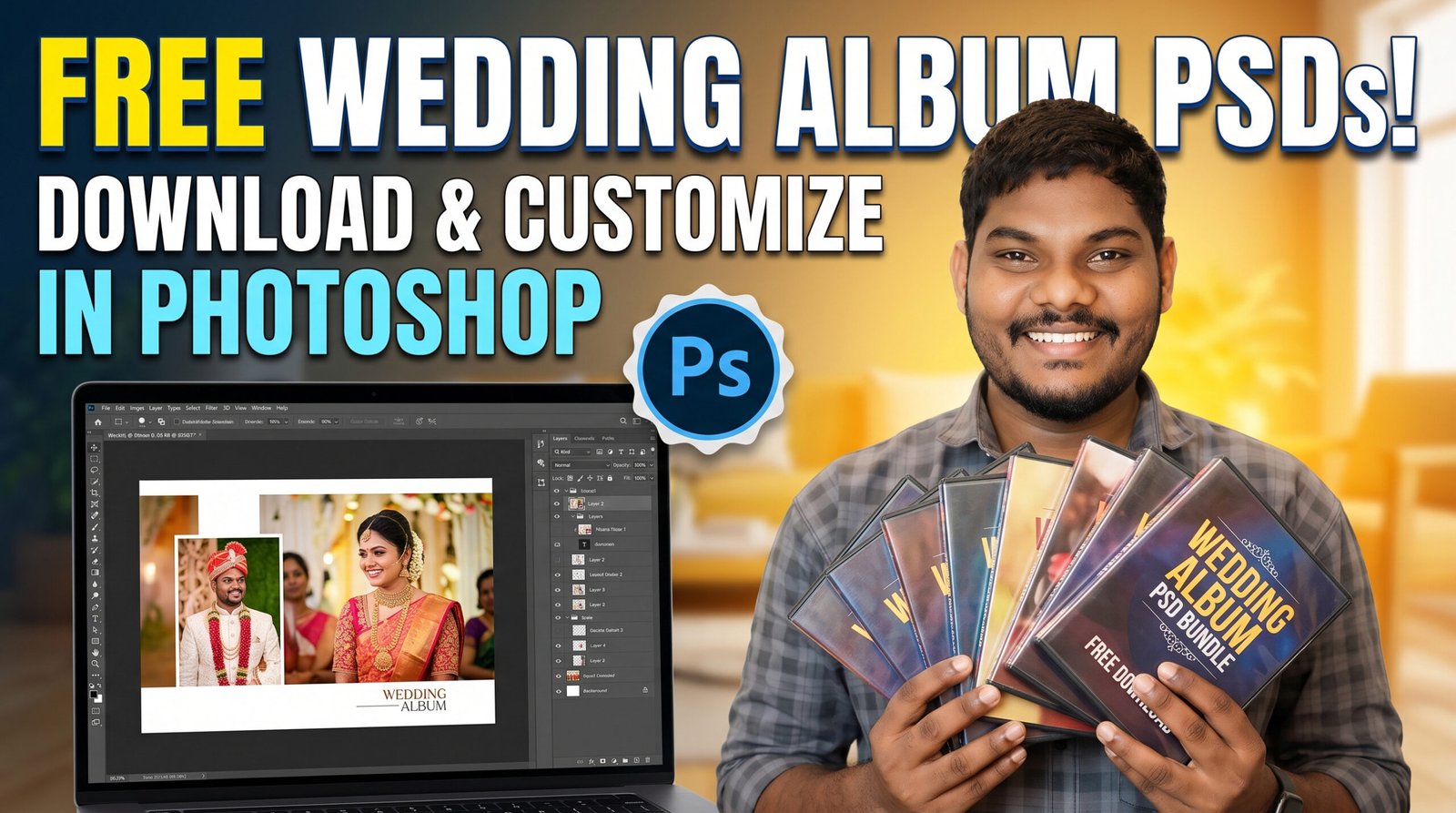
Free Wedding Album PSDs – Download & Customize Beautiful Wedding Album Designs in Photoshop
Free Wedding Album PSDs Creating a stunning wedding album doesn’t have to be expensive or time-consuming. If you’re a wedding photographer, photo editor, designer, or studio owner, high-quality free wedding album PSDs can save hours of design work while helping you deliver professional-looking albums to your clients.
Free Wedding Album PSDs
What Are Wedding Album PSDs?
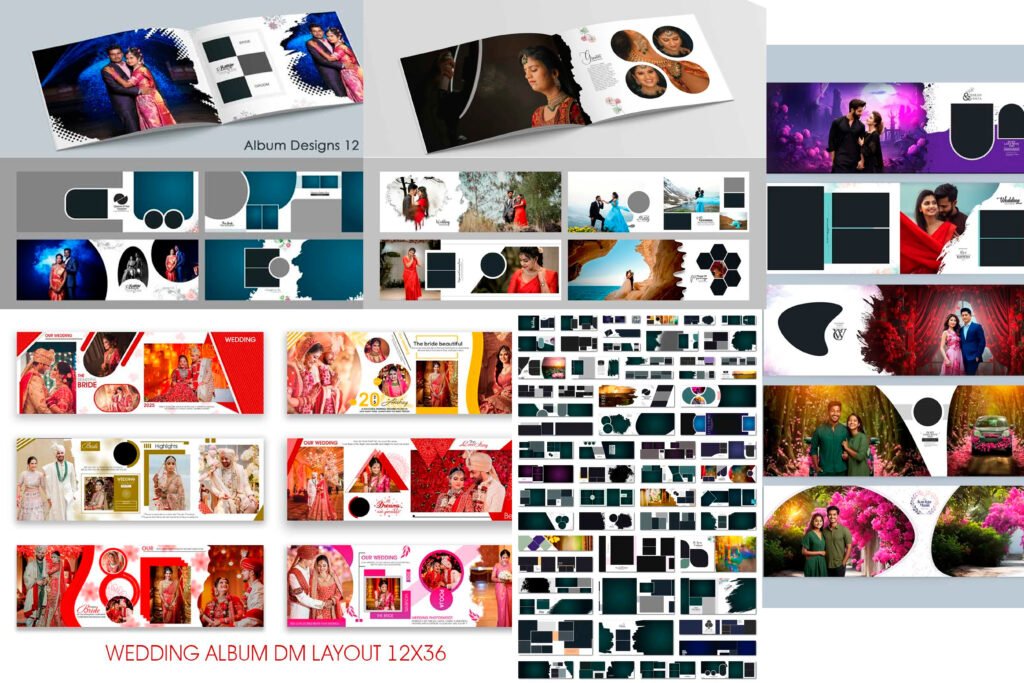
Wedding Album PSDs are professionally designed Photoshop templates that come in PSD (Photoshop Document) format. These templates contain editable layers, allowing you to replace sample photos with your own images, edit text, change backgrounds, adjust colors, and personalize every page according to your client’s wedding story.
Instead of designing every page from scratch, you can simply customize an existing PSD template and create a premium-looking wedding album in much less time.
Why Use Free Wedding Album PSD Templates?
Using ready-made PSD templates offers several advantages:
- Save hours of album designing.
- Deliver albums faster to clients.
- Maintain a professional and consistent layout.
- Easy to edit with Adobe Photoshop.
- Perfect for beginners and professional designers.
- Suitable for weddings, engagements, receptions, pre-wedding shoots, and anniversaries.
- Reduce workload during busy wedding seasons.
Whether you’re handling one wedding album or multiple client projects every week, PSD templates can significantly improve your workflow.
Features of Our Free Wedding Album PSDs
Our free wedding album PSD templates are designed to provide maximum flexibility for photographers and designers.
Some features include:
- Fully editable Photoshop PSD files
- Organized and labeled layers
- High-resolution print-ready quality
- Elegant and modern wedding layouts
- Traditional and contemporary design styles
- Multiple page designs
- Easy photo replacement using clipping masks
- Editable fonts, colors, and backgrounds
- Compatible with Adobe Photoshop
These templates are ideal for creating premium wedding albums without spending hours designing every page manually.
How to Customize Wedding Album PSDs in Photoshop
Customizing a wedding album PSD is simple, even if you’re new to Photoshop.
Step 1: Open the PSD File
Launch Adobe Photoshop and open the downloaded PSD template.
Step 2: Replace Sample Photos
Locate the image layers or smart objects.
Double-click the smart object or clipping mask, replace the sample image with your client’s photo, save the smart object, and return to the main template.
The new photo will automatically fit into the design.
Step 3: Edit Text
If the template includes names, wedding dates, or captions, simply select the Text Tool and edit the content.
You can also change the font style, size, and color.
Step 4: Change Background Colors
Use adjustment layers or fill layers to modify background colors according to your client’s theme.
You can create classic, royal, floral, pastel, or luxury wedding styles with just a few clicks.
Step 5: Add Decorative Elements
Enhance the album using:
- Floral graphics
- Wedding frames
- Gold textures
- Watercolor effects
- Traditional ornaments
- Light overlays
- Elegant borders
These elements help create a more premium appearance.
Step 6: Save and Export
Once the customization is complete, save the PSD file for future edits and export the final pages in JPEG or TIFF format for printing.
Your wedding album is now ready for professional printing.
Tips for Designing Better Wedding Albums
To make every album look more premium, keep these design tips in mind:
- Use only high-resolution photos.
- Avoid overcrowding pages with too many images.
- Maintain consistent spacing throughout the album.
- Choose matching color tones.
- Balance close-up portraits with wide-angle shots.
- Highlight emotional moments like the first look, vows, family portraits, and reception.
- Use elegant typography.
- Keep page layouts clean and modern.
A simple and well-balanced design often looks more professional than one filled with unnecessary decorations.
Who Can Use These Wedding Album PSDs?
These templates are suitable for:
- Wedding photographers
- Photoshop editors
- Freelance designers
- Photo studio owners
- Album designers
- Graphic design students
- Photography businesses
Whether you’re designing albums for personal memories or commercial projects, editable PSD templates simplify the entire process.
System Requirements
To edit these templates smoothly, you’ll need:
- Adobe Photoshop CC or later
- Windows or macOS
- Basic Photoshop knowledge
- High-resolution wedding photos
Having an updated version of Photoshop ensures full compatibility with modern PSD features.
Why Free Wedding Album PSDs Are a Great Choice
Many photographers spend a large amount of time creating layouts from scratch. Free PSD templates eliminate repetitive work and allow you to focus on creativity instead.
With editable layers and organized designs, you can quickly create beautiful albums that impress your clients while saving valuable production time.
These templates are especially useful during peak wedding seasons when managing multiple projects simultaneously.
Download Your Free Wedding Album PSDs
If you’re looking for professionally designed wedding album templates, you’re in the right place. We regularly share free wedding album PSDs that are easy to customize in Adobe Photoshop.
Simply download the PSD files, replace the sample photos with your own wedding images, customize the colors and text if needed, and your album pages will be ready for printing in just a few minutes.
Be sure to bookmark this page, as we’ll continue adding new wedding album designs, modern layouts, traditional styles, and creative PSD templates for photographers and designers.
Conclusion
Creating a professional wedding album no longer requires spending countless hours designing every page from scratch. With free wedding album PSD templates, you can produce elegant, print-ready albums quickly and efficiently while maintaining high-quality results.
Whether you’re an experienced wedding photographer or just starting your editing journey, these PSD templates help streamline your workflow, save time, and deliver albums that your clients will treasure for years to come.
Download your favorite wedding album PSD, personalize it with your own photos in Adobe Photoshop, and transform beautiful wedding memories into stunning albums with ease.
DOWNLOAD