Beauty Box Plugin for Premiere Pro & After Effects: The Complete Guide to Professional Skin Retouching (2026)
Meta Description
Learn how the Beauty Box Plugin for Adobe Premiere Pro and After Effects helps creators achieve natural-looking skin retouching in videos. Explore its features, workflow, benefits, and best practices.
Beauty Box Plugin for Premiere Pro & After Effects: Everything You Need to Know
Professional-looking skin has become a common expectation in many types of video content. From wedding films and fashion shoots to YouTube videos and interviews, viewers often expect clean, polished footage while still preserving natural facial details.
Traditionally, achieving this look required time-consuming manual retouching. Editors had to rely on masks, tracking, blur effects, and color correction to soften skin while preserving eyes, lips, hair, and other facial features.
Today, dedicated beauty retouching plugins simplify much of that work. One well-known option is the Beauty Box Plugin, which is designed to help editors create smoother-looking skin while maintaining a natural appearance.
Whether you’re editing wedding films, beauty videos, interviews, commercial projects, or social media content, this plugin can become a valuable addition to your editing workflow.
What Is the Beauty Box Plugin?
Beauty Box is a video retouching plugin created for professional editing applications such as Adobe Premiere Pro and Adobe After Effects.
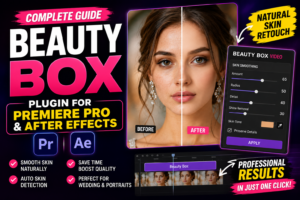
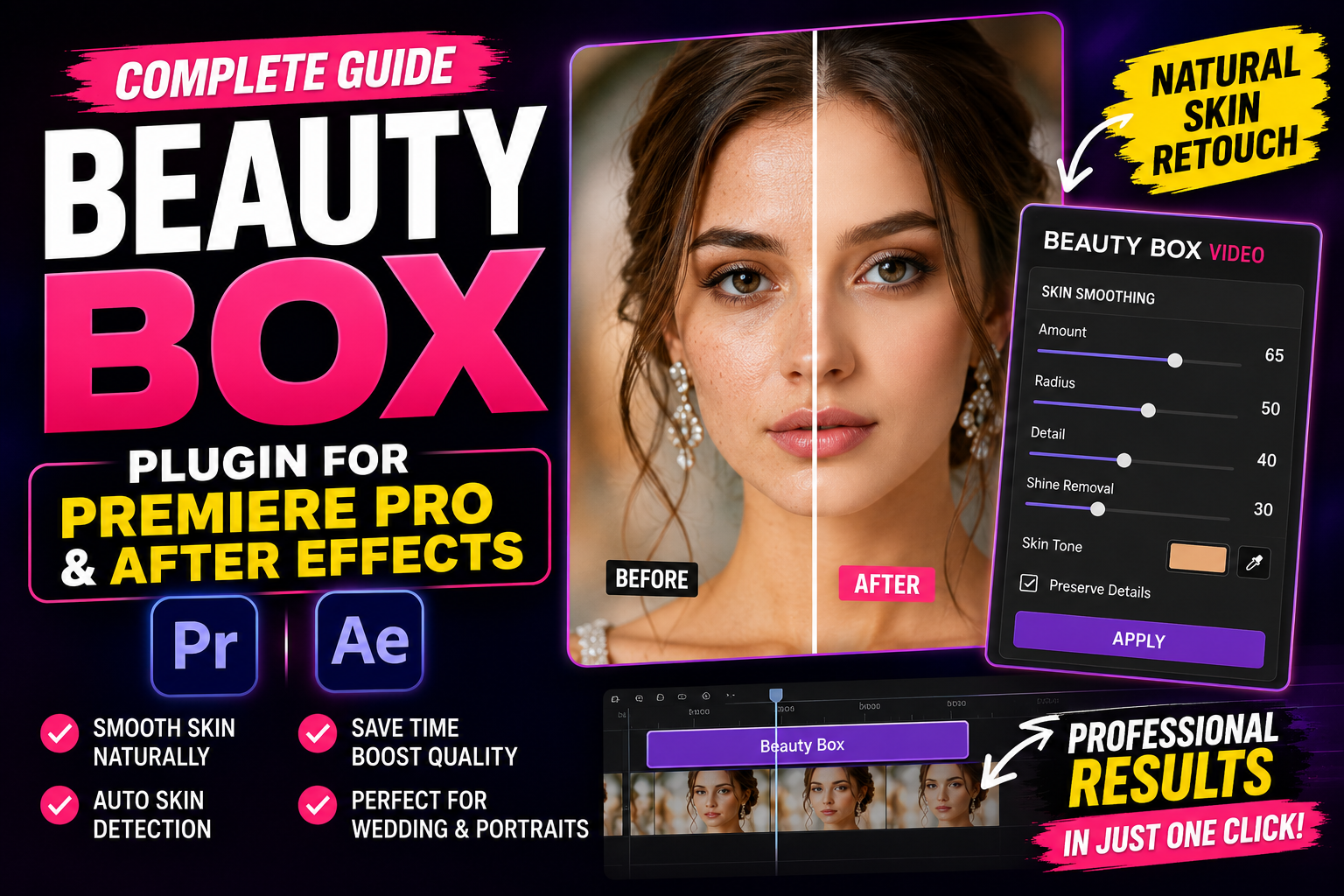
Its primary purpose is to reduce the appearance of skin imperfections while preserving important facial details. Rather than applying a simple blur across the entire image, it analyzes skin areas and focuses the retouching where it is needed.
The goal is to create a polished result without making the subject appear overly artificial.
Why Video Skin Retouching Matters
Modern cameras capture incredible levels of detail. While this is great for image quality, it can also emphasize temporary skin texture, uneven tones, or lighting-related imperfections.
Professional retouching can help create a cleaner presentation for:
- Wedding films
- Bridal portraits
- Corporate interviews
- Beauty tutorials
- Fashion videos
- Commercial advertisements
- Music videos
- Social media content
- Promotional reels
The key is subtle enhancement rather than dramatic alteration.
Compatible Software
Beauty Box is commonly used with:
- Adobe Premiere Pro
- Adobe After Effects
Compatibility can vary depending on plugin version and software release, so always check the developer’s current system requirements before installing.
Key Features
Automatic Skin Detection
One of the plugin’s biggest strengths is its ability to identify skin regions automatically.
Instead of manually masking every frame, the plugin detects skin tones and applies smoothing selectively.
This can save significant editing time, especially on longer projects.
Natural Skin Smoothing
The objective isn’t to remove every line or pore.
Instead, Beauty Box aims to reduce distractions while maintaining realistic facial detail.
Natural-looking results generally appear more professional than excessive smoothing.
Adjustable Strength
Different projects require different levels of retouching.
A beauty commercial may call for a different look than a documentary interview.
The plugin provides controls that allow editors to fine-tune the intensity to match the style of the project.
Faster Workflow
Manual skin retouching frame by frame can be extremely time-consuming.
By automating much of the process, editors can spend more time on storytelling, color grading, sound design, and final polishing.
Why Wedding Filmmakers Like It
Wedding films often include close-up shots of the bride and groom captured in high resolution.
Beauty Box can help create a polished look while preserving natural expressions and facial features.
It is frequently used for:
- Bridal close-ups
- Groom portraits
- Couple shots
- Reception speeches
- Slow-motion sequences
- Highlight films
Careful use helps maintain an elegant, cinematic appearance.
Benefits for YouTubers
Content creators often record under different lighting conditions.
Subtle skin retouching can help create a more consistent presentation across videos.
This may be useful for:
- Beauty creators
- Tech reviewers
- Educational channels
- Lifestyle vloggers
- Business presentations
As always, moderation is important to avoid an unrealistic appearance.
Premiere Pro Workflow
A typical workflow includes:
- Import your footage.
- Complete basic edits.
- Apply the Beauty Box effect.
- Adjust the plugin settings.
- Review the footage at full resolution.
- Make additional color corrections if needed.
- Export the final video.
Many editors perform skin retouching before final color grading so they can evaluate the overall look more accurately.
After Effects Workflow
After Effects provides additional flexibility for more advanced compositions.
Editors may combine Beauty Box with:
- Motion graphics
- Object tracking
- Color grading
- Text animation
- Visual effects
- Compositing
This makes it a useful option for commercial productions and more complex editing projects.
Best Practices
To achieve natural-looking results:
- Avoid excessive smoothing.
- Review footage on a larger screen.
- Compare before-and-after versions.
- Preserve important facial texture.
- Match retouching across all shots.
- Use consistent lighting corrections.
Small adjustments often produce the most convincing results.
Final Thoughts
Beauty Box can help simplify one of the more time-consuming parts of post-production: skin retouching. By focusing on skin areas while preserving facial detail, it allows editors to create cleaner, more polished videos without relying entirely on manual masking techniques.
Whether you’re producing wedding films, YouTube videos, interviews, or promotional content, thoughtful use of beauty retouching can complement good lighting, proper makeup, and careful color grading.
In Part 2, we’ll explore advanced editing tips, performance considerations, common mistakes to avoid, comparisons with manual retouching, FAQs, and practical advice for integrating Beauty Box into a professional editing workflow.