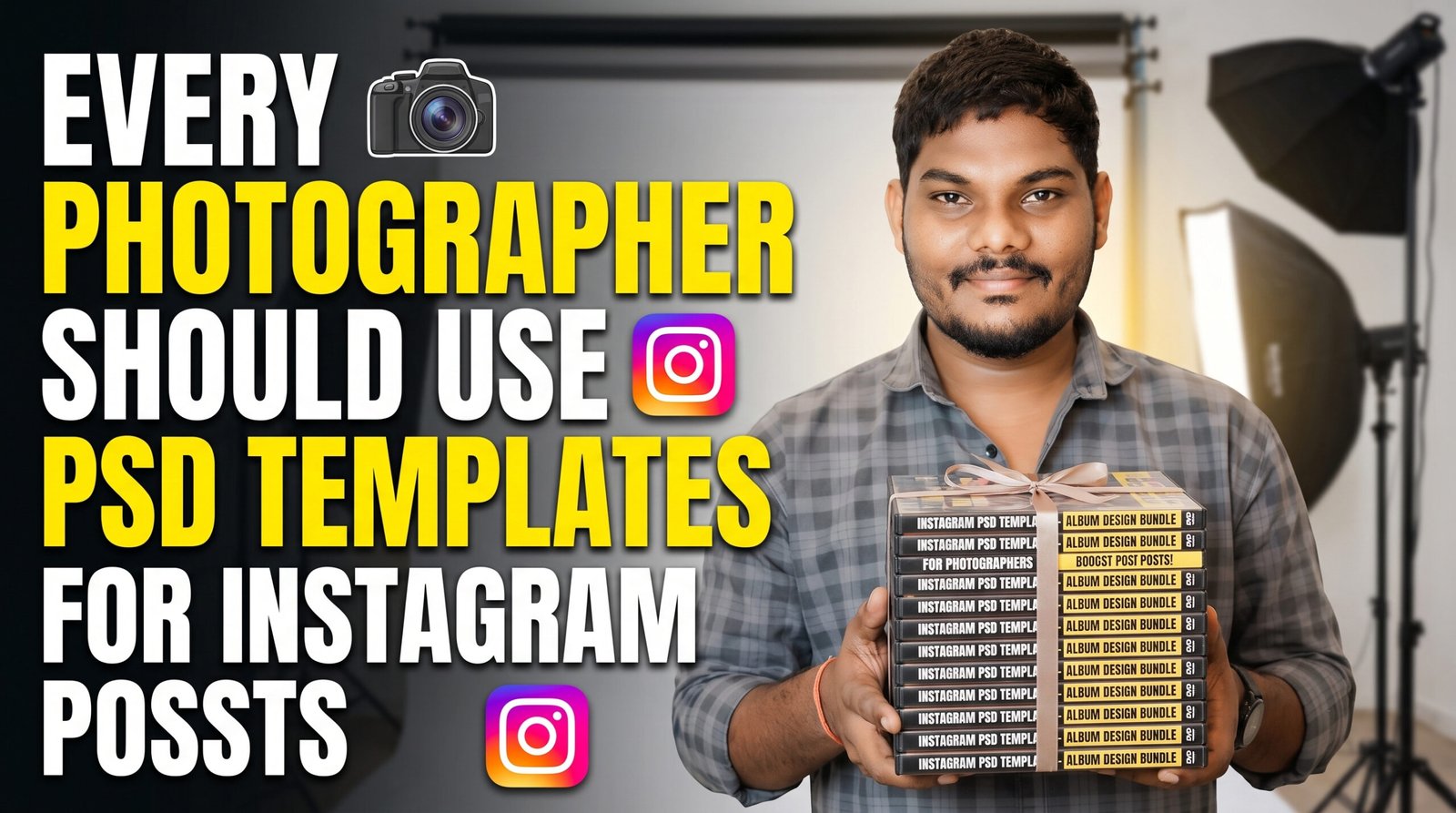
If you’re a photographer, you’ve probably been in this situation before. You finish editing a beautiful wedding or portrait session, open Instagram to post your favorite photo, and then realize you don’t have a good design for it. You spend another 30 or 40 minutes trying different fonts, colors, and layouts just to create a single post.
I used to do the same thing.
After every shoot, I would waste more time designing Instagram posts than actually editing photos. That’s when I started creating PSD templates for Photoshop. It completely changed the way I manage my social media.
Now, instead of starting from scratch every time, I simply open a PSD, replace the image, update the text if needed, and export it. The whole process takes just a few minutes.
If you’re trying to grow your photography business on Instagram, PSD templates can save you a lot of time while helping your profile look clean and professional.
What Is an Instagram PSD Template?
A PSD template is simply a Photoshop file that already has the design ready. It includes placeholders for your photos, text layers, colors, and graphics. All you have to do is replace the sample image with your own work.
Think of it as a reusable design. Once you have a few good templates, you can use them again and again for different clients and different types of photography.
Whether you shoot weddings, birthdays, pre-wedding sessions, maternity shoots, or portraits, you can customize the same template in just a few clicks.
Why I Started Using PSD Templates
One thing I noticed was that photographers often spend thousands of rupees on cameras and lenses but very little time on branding.
Your Instagram profile is usually the first place potential clients visit. If your feed looks organized and professional, people immediately trust your work more.
When every post has a different style, different fonts, and random colors, your profile can feel inconsistent.
Using PSD templates solved that problem for me. Every post now has a similar look while still highlighting each client’s photos.
Benefits of Using Instagram PSD Templates
Save Time
Instead of designing every post from the beginning, you simply change the photo and text. This can save hours every week.
Keep Your Feed Consistent
A consistent feed makes your profile look more professional. Visitors can instantly recognize your style.
Easy to Customize
Everything inside a PSD is editable. You can change:
- Colors
- Fonts
- Backgrounds
- Shapes
- Icons
- Client names
- Logos
You don’t need to redesign the layout every time.
Great for Client Marketing
Whenever you finish a wedding or portrait session, you can quickly create an attractive Instagram post and tag your clients. Happy clients often share these posts, which helps your work reach more people.
Types of PSD Templates Every Photographer Should Have
Over time, I’ve found it useful to keep a small collection of templates for different situations.
Some of the most useful ones include:
- Wedding announcement posts
- Bride and groom highlights
- Birthday photo layouts
- Baby shoot designs
- Maternity session posts
- Couple portraits
- Before-and-after editing comparisons
- Client testimonials
- Photography tips
- Booking announcement posts
- Festival greetings
- Behind-the-scenes posts
Having a template for each category makes posting much easier.
Tips for Better Instagram Designs
Even the best template won’t help if the design is overcrowded. Here are a few things I always keep in mind:
Use high-quality images.
Leave enough empty space around the subject.
Choose fonts that are easy to read.
Stick to two or three colors throughout your designs.
Keep your logo small and clean.
Don’t add too many effects that distract from the photograph itself.
Remember, your photography should always be the main focus.
Why Photoshop Is Still My Favorite Tool
There are many online design tools available today, but Photoshop gives me complete control over every part of the design.
With PSD templates, I can:
- Replace images instantly
- Edit every layer
- Change colors easily
- Export in high quality
- Reuse the same design for future projects
For photographers who already use Photoshop for editing, it fits naturally into the workflow.
Perfect for Beginners and Professionals
You don’t have to be a graphic designer to use PSD templates.
If you know the basics of Photoshop—like replacing images, editing text, and saving files—you can start using templates right away.
Experienced photographers can also speed up their workflow by creating a personal library of reusable designs.
Final Thoughts
Creating beautiful Instagram posts doesn’t have to be difficult or time-consuming. A good PSD template lets you spend less time designing and more time doing what you love—capturing great photographs.
Whether you’re building your personal brand, attracting new clients, or simply keeping your Instagram profile organized, reusable Photoshop templates can make the process faster and more enjoyable.
If you’re a photographer who posts regularly on Instagram, investing a little time in creating or downloading quality PSD templates can save countless hours in the future. More importantly, it helps your work stand out and presents your photography in a polished, professional way.
At the end of the day, people come to your Instagram to see your photography—not complicated graphics. A clean template simply helps your photos get the attention they deserve.





Nice
Very nice bro ..Thank you bro
Goog!👍
Good bro