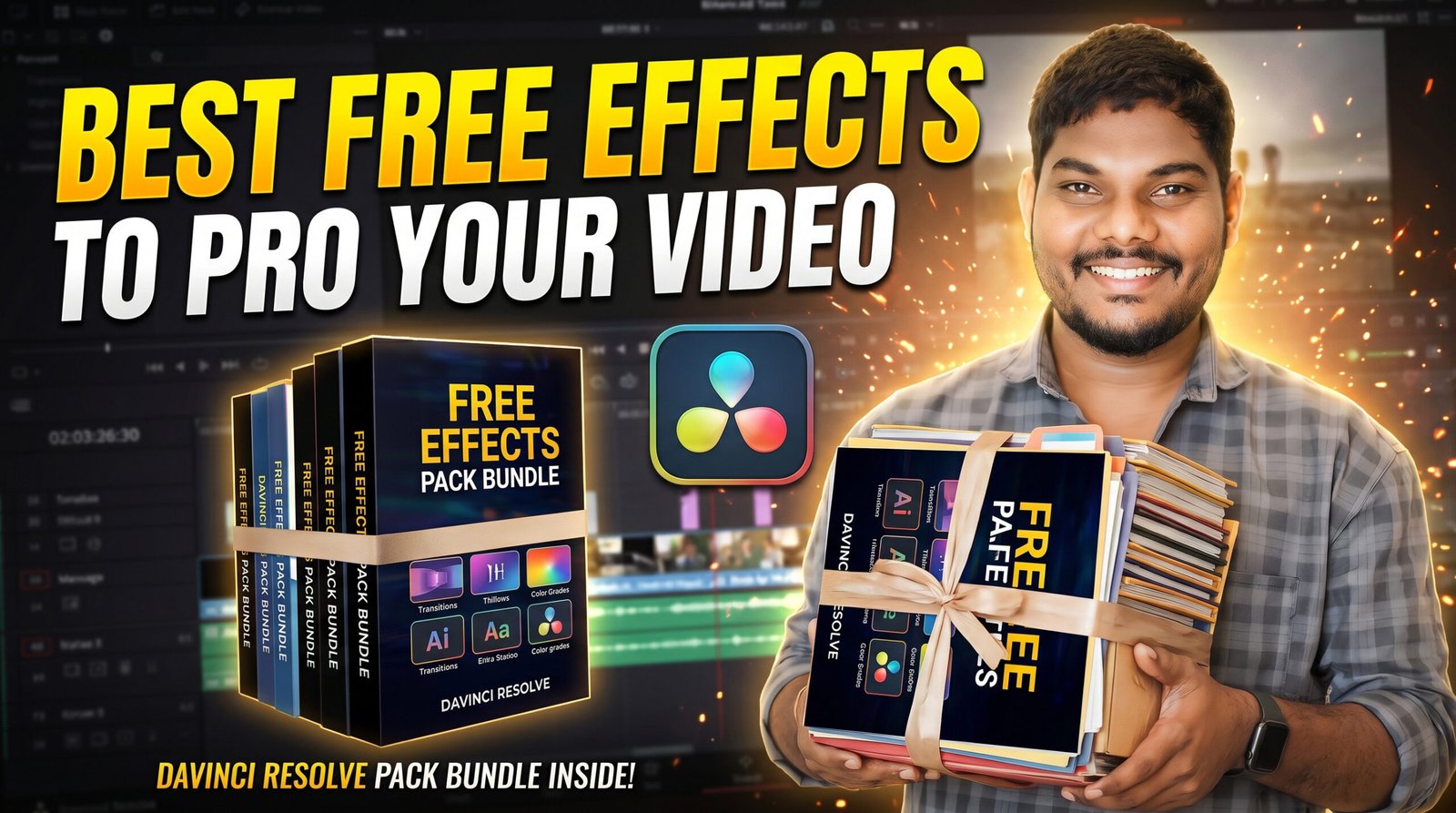
If you’ve recently started editing videos in DaVinci Resolve, you’ve probably noticed one thing—good effects can completely change how a video feels. A simple transition, a light leak, or a clean title animation can make your edit look far more polished without requiring hours of extra work.
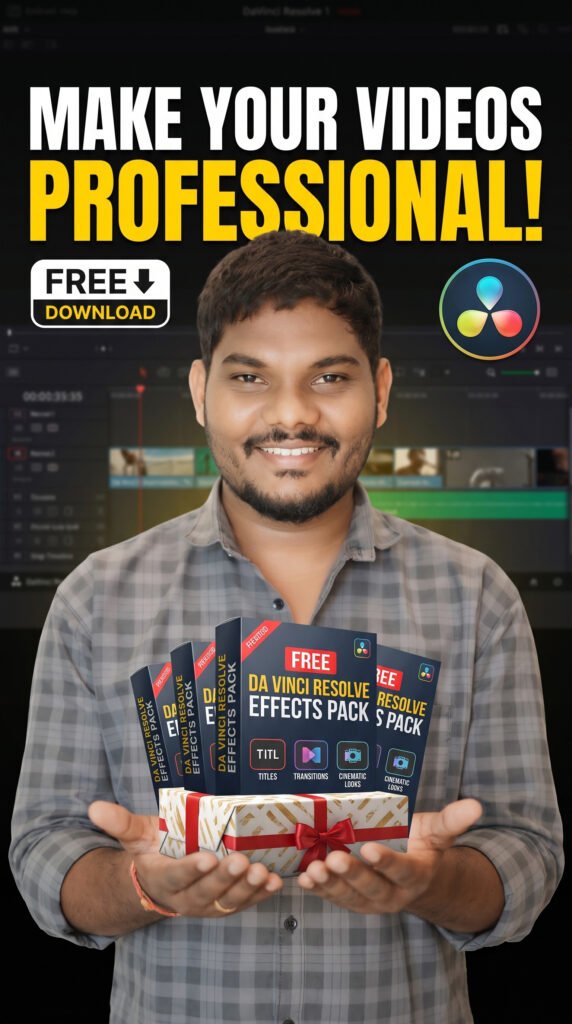
The good news is that you don’t need to spend a fortune on premium editing packs. There are plenty of excellent free effects available that can help you create professional-looking videos for YouTube, Instagram Reels, weddings, travel films, and client projects.
I’ve personally found that using a few well-made effects is often better than filling a timeline with dozens of flashy animations. The goal isn’t to impress people with effects—it’s to make the story more engaging.
Why Use Effects in DaVinci Resolve?
Effects are more than just visual decorations. When used correctly, they help keep viewers engaged, improve pacing, and add personality to your edits.
Here are a few ways effects can improve your videos:
- Create smoother scene transitions.
- Add cinematic atmosphere.
- Highlight important moments.
- Improve storytelling.
- Make social media videos more engaging.
- Give client videos a premium feel.
The key is using effects with purpose rather than adding them everywhere.
My Favorite Free Effects
Smooth Transitions
Transitions are probably the first thing most editors download. Instead of using basic cuts all the time, subtle camera movements and smooth transitions can make your edits feel much more fluid.
Simple zoom transitions, whip pans, and slide transitions work especially well for travel videos, wedding highlights, and cinematic reels.
Light Leaks
Light leaks add warmth and character to footage. They’re great for wedding films, outdoor shoots, and romantic edits because they create a soft, natural glow.
Used sparingly, they can make ordinary footage feel much more cinematic.
Film Grain
Modern cameras produce very clean footage, but sometimes that can feel a little too perfect.
A small amount of film grain can add texture and make digital footage feel more organic. This works especially well for storytelling and documentary-style videos.
Lens Flares
Lens flares can create a dramatic look when they match the lighting in your scene. They work best during sunset shots, outdoor portraits, or music videos.
The trick is not to overuse them. A subtle flare often looks more realistic than an exaggerated one.
Motion Blur
Fast camera movements can look smoother when motion blur is applied correctly.
It helps action shots, sports videos, and cinematic transitions feel more natural.
Title Animations
Clean animated titles instantly improve the production quality of a video.
Whether you’re making tutorials, YouTube videos, or Instagram content, modern title animations help your content look more professional.
Free Effects Worth Trying
If you’re building your own editing library, consider adding effects like:
- Smooth transitions
- Light leaks
- Film grain overlays
- Dust and scratch effects
- Bokeh overlays
- Camera shake presets
- Glow effects
- Speed ramp presets
- Animated titles
- Lower thirds
- Callout animations
- Split-screen effects
Having these ready to use can save a lot of editing time.
Keep Your Effects Organized
One mistake many beginners make is downloading hundreds of effect packs and forgetting where they saved them.
Create folders such as:
- Transitions
- Titles
- Overlays
- Sound Effects
- Motion Graphics
- LUTs
- Fusion Templates
An organized library helps you find what you need quickly, especially when you’re working on client deadlines.
Less Is Often More
It’s easy to get excited after downloading a big collection of free effects, but adding too many can make a video feel distracting.
For example, a wedding film usually benefits from smooth transitions and gentle light leaks rather than flashy animations. A corporate video often looks best with clean titles and simple motion graphics.
Before adding an effect, ask yourself: Does this improve the story, or is it just decoration?
Practice Makes the Difference
Downloading great effects won’t automatically make your edits look professional. The real improvement comes from understanding timing, pacing, music, and storytelling.
Try editing the same clip in different ways. Experiment with transitions, color grading, and effects until you find a style that feels natural. Over time, you’ll develop your own editing signature.
Final Thoughts
DaVinci Resolve is one of the most powerful video editing applications available today, and you don’t need an expensive collection of plugins to create impressive videos. A carefully chosen set of free effects can help you edit faster, improve your workflow, and give your projects a polished finish.
Whether you’re creating wedding films, travel videos, YouTube content, or Instagram Reels, focus on using effects to support your story rather than overwhelm it. Build a small, organized library of high-quality resources, keep practicing, and you’ll see your editing skills improve with every project.
The best edits aren’t remembered because they used the most effects—they’re remembered because they made viewers feel something. Let your creativity lead, and use effects to enhance the experience, not replace it.