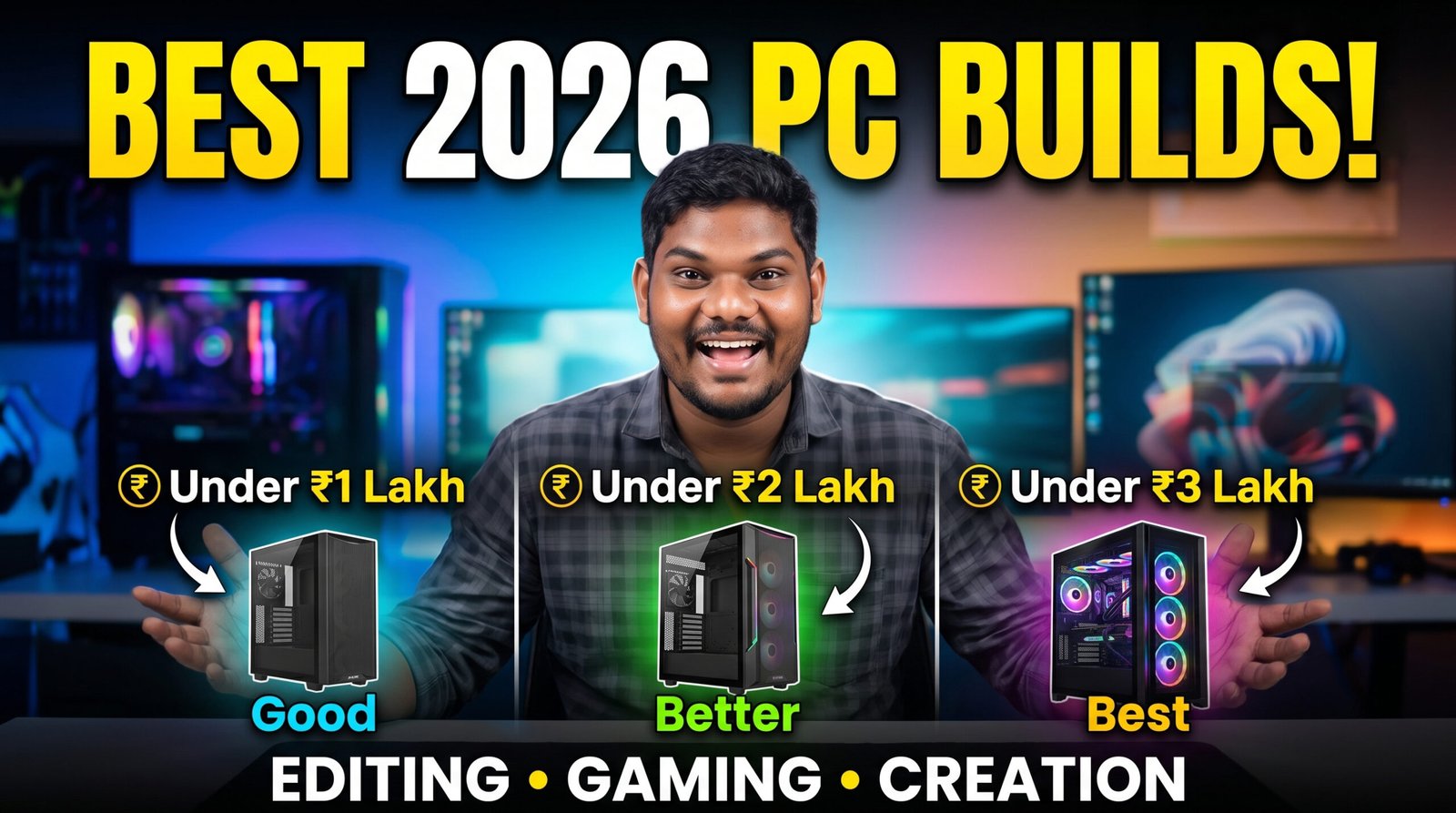
Best PC Builds Under ₹1 Lakh, ₹2 Lakh & ₹3 Lakh (2026 Guide) – Perfect for Video Editing, Gaming & Content Creation
Meta Description
Looking for the best PC build in 2026? Explore the best PC configurations under ₹1 lakh, ₹2 lakh, and ₹3 lakh for video editing, gaming, 3D rendering, AI workloads, Photoshop, Premiere Pro, DaVinci Resolve, and content creation.
Introduction
Buying or building a new PC is exciting, but it can also be confusing. Open YouTube or browse online forums, and you’ll find hundreds of opinions about which processor, graphics card, motherboard, or RAM you should buy. Some people recommend spending most of your budget on the GPU, while others insist the processor matters more.
The truth is that there isn’t one perfect PC for everyone.
A gaming PC has different priorities than a workstation used for editing wedding films. Likewise, a computer built for 3D animation or AI workloads requires a different balance of hardware compared to one used mainly for Photoshop or Lightroom.
If you’re a content creator, photographer, YouTuber, gamer, or freelancer, your PC should help you work faster—not slow you down with long render times or lag while multitasking.
This guide explains three balanced PC builds designed for different budgets:
- Best PC Build Under ₹1 Lakh
- Best PC Build Under ₹2 Lakh
- Best PC Build Under ₹3 Lakh
Instead of focusing on the most expensive parts, these builds prioritize real-world performance, reliability, and upgrade potential.
Things to Consider Before Building a PC
Before adding components to your shopping cart, spend a few minutes thinking about how you’ll actually use the computer.
Ask yourself:
- Will you mainly edit videos?
- Do you play modern AAA games?
- Will you use Blender or Unreal Engine?
- Are you planning to stream?
- Do you edit wedding films in 4K?
- Will you use AI-powered creative tools?
Your answers will determine where your budget should go.
CPU – The Brain of Your Computer
The processor (CPU) handles everything from opening applications to exporting videos.
For creators, a powerful CPU is especially important because software such as Adobe Premiere Pro, Photoshop, Lightroom, DaVinci Resolve, and After Effects relies heavily on processing power.
When choosing a CPU, don’t just look at the number of cores. Consider:
- Single-core performance
- Multi-core performance
- Power efficiency
- Cooling requirements
- Platform longevity
A balanced processor usually delivers a smoother experience than simply choosing the model with the highest clock speed.
GPU – More Than Just Gaming
Many people think graphics cards are only useful for gaming.
That’s no longer true.
Modern creative software uses GPUs for:
- Video rendering
- AI features
- Color grading
- Motion graphics
- Image enhancement
- 3D rendering
- Live playback
A capable graphics card can dramatically reduce export times and improve timeline performance when editing high-resolution footage.
RAM – Why Capacity Matters
Running out of RAM is one of the quickest ways to slow down a workstation.
Recommended capacities:
- 16GB – Entry-level users
- 32GB – Best for most creators
- 64GB – Professional editing
- 96GB–128GB – Heavy multitasking, 3D, AI, and large projects
If your budget allows, buying slightly more RAM today can save you from upgrading again in the near future.
Storage – Never Ignore Your SSD
One of the biggest upgrades you can make is switching to a fast NVMe SSD.
Compared to older SATA drives, NVMe SSDs provide:
- Faster boot times
- Quicker file transfers
- Improved application loading
- Smoother project handling
- Faster cache performance
A good storage strategy is:
- 1TB–2TB NVMe SSD for Windows, applications, and active projects
- Larger SSD or HDD for completed work and backups
Always maintain at least one backup of important files.
Best PC Build Under ₹1 Lakh
This budget is ideal for:
- Beginners
- YouTubers
- Wedding photographers
- Freelance editors
- Students
- Casual gamers
The goal here is to maximize value without sacrificing future upgrade options.
Recommended Configuration
Processor: AMD Ryzen 7 7700 or Intel Core i5-14600K
Both processors offer excellent all-round performance for editing, gaming, and productivity.
CPU Cooler: High-quality tower air cooler
A reliable air cooler keeps temperatures under control while remaining quieter than the stock solution under heavy workloads.
Motherboard: AMD B650 or Intel B760
These chipsets provide modern connectivity, DDR5 memory support, and room for future upgrades.
Graphics Card: NVIDIA GeForce RTX 4060 (8GB)
The RTX 4060 delivers strong 1080p and 1440p gaming performance while also accelerating creative applications that use GPU processing.
RAM: 32GB DDR5 (2×16GB)
Thirty-two gigabytes is a practical sweet spot for most photographers, editors, and content creators.
Storage: 1TB PCIe Gen4 NVMe SSD
Fast enough for the operating system, editing software, and active projects.
Power Supply: 650W 80+ Gold
A high-quality power supply provides stable power delivery and supports future upgrades.
Cabinet: Airflow-focused mid-tower case
Good airflow helps maintain lower temperatures, especially during long rendering sessions.
What Can This Build Handle?
This system is capable of:
- Editing 4K videos in Adobe Premiere Pro
- Working comfortably in DaVinci Resolve
- Running Photoshop and Lightroom with large RAW photo libraries
- Editing YouTube videos
- Creating Instagram Reels and Shorts
- Playing modern games at 1080p and many titles at 1440p
- Light Blender rendering
For most creators starting a YouTube channel or photography business, this build offers an excellent balance between cost and performance.
Expected Editing Experience
Adobe Premiere Pro
With hardware acceleration enabled, timeline playback remains smooth for standard 4K projects, especially when using optimized codecs and proxy workflows where appropriate.
Adobe Photoshop
Tasks such as RAW editing, object selection, AI-powered masking, and large image manipulation run comfortably on this configuration.
Lightroom Classic
Importing, culling, and editing large photo collections is responsive, making this a solid choice for wedding and event photographers.
DaVinci Resolve
Basic color grading, multicam editing, and effects perform well, provided projects stay within the capabilities of the GPU and available memory.
Gaming Performance
This build isn’t just for work. It also delivers a satisfying gaming experience.
You can expect strong performance in popular esports titles and smooth gameplay in many modern AAA games at 1080p. With optimized graphics settings, many titles also perform well at 1440p.
If gaming is secondary to content creation, this configuration strikes an excellent balance.
Why This Build Offers Great Value
The biggest advantage of the ₹1 lakh build is versatility.
Instead of overspending on a single component, every part has been chosen to complement the others. That means fewer bottlenecks, smoother editing, better multitasking, and a clearer upgrade path in the future.
Whether you’re editing wedding films, creating YouTube tutorials, streaming gameplay, or learning graphic design, this system is capable of handling a wide variety of creative workloads.
Coming Up in Part 2
In the next section, we’ll explore the ₹2 lakh professional workstation, discuss why additional RAM and a more powerful graphics card matter for advanced editing, and examine how this budget changes the experience in Premiere Pro, DaVinci Resolve, After Effects, Blender, and modern games.
Part 2 – Best PC Build Under ₹2 Lakh (2026) – Professional Workstation for Video Editors, Gamers & Content Creators
If you’re earning from YouTube, freelancing, wedding photography, filmmaking, or content creation, investing in a better PC isn’t just about speed—it’s about saving time. Waiting 30–40 minutes for a video to render or dealing with lag while editing large projects can quickly become frustrating.
A budget of around ₹2 lakh opens the door to a much more capable workstation. You’ll get faster rendering, smoother editing timelines, improved multitasking, and enough power to handle demanding software comfortably.
Unlike the ₹1 lakh build, this configuration is aimed at creators who work on professional projects every day.
Who Should Build a ₹2 Lakh PC?
This budget is ideal if you are:
- A professional wedding photographer
- A wedding filmmaker
- A YouTuber uploading videos regularly
- A full-time freelance editor
- A 3D artist
- A motion graphics designer
- A VFX beginner
- A streamer
- A software developer working with AI tools
If your computer directly affects your income, investing in better hardware often pays for itself through faster workflows.
Recommended ₹2 Lakh PC Build (2026)
Processor (CPU)
AMD Ryzen 9 9900X or Intel Core Ultra 9
Both processors offer excellent multi-core performance for rendering and heavy creative workloads while also delivering strong single-core performance for everyday tasks.
These CPUs are well suited for:
- Premiere Pro
- DaVinci Resolve
- Photoshop
- Lightroom
- Blender
- After Effects
- Unreal Engine
CPU Cooler
360mm AIO Liquid Cooler
Professional editing often keeps the CPU under heavy load for long periods.
A quality liquid cooler helps maintain lower temperatures and allows the processor to sustain higher performance during long exports or rendering sessions.
Motherboard
Choose a motherboard that supports:
- DDR5 RAM
- PCIe Gen5 support (where applicable)
- Multiple NVMe SSD slots
- High-speed USB ports
- Fast networking options
- Good VRM cooling
A quality motherboard provides a stronger upgrade path and improves overall system reliability.
Graphics Card (GPU)
NVIDIA GeForce RTX 5070 Ti (or an equivalent model available within your budget)
For creators, the GPU plays a significant role in:
- GPU-accelerated rendering
- AI-powered editing features
- Timeline playback
- Video encoding
- Color grading
- 3D rendering
Modern editing applications continue to rely more heavily on GPU acceleration, making this one of the most important components in the system.
Memory (RAM)
64GB DDR5 (2×32GB)
While 32GB is enough for many users, 64GB gives you extra headroom for demanding workloads.
You’ll notice the difference when:
- Editing multicam projects
- Running Premiere Pro and Photoshop together
- Using After Effects with large compositions
- Opening multiple browser tabs while editing
- Working with high-resolution RAW images
Storage
A two-drive setup works well for professional creators:
Drive 1
- 2TB NVMe Gen4 SSD
- Windows
- Applications
- Active projects
Drive 2
- 4TB HDD or SSD
- Completed projects
- Backups
- Archive footage
Separating active projects from archived data keeps your workflow organized.
Power Supply
850W 80+ Gold
A quality power supply provides stable power and leaves room for future GPU upgrades.
Never compromise on the PSU, as it’s one of the most important components for long-term reliability.
Cabinet
Choose a case with:
- Excellent airflow
- Good cable management
- Dust filters
- Space for larger GPUs
- Support for a 360mm radiator
A well-designed cabinet improves cooling and makes future upgrades easier.
Real-World Editing Performance
Adobe Premiere Pro
A ₹2 lakh workstation handles professional editing much more comfortably than entry-level systems.
Typical advantages include:
- Faster project loading
- Smoother timeline playback
- Quicker exports
- Better handling of multiple video layers
- Improved responsiveness while applying effects
For wedding filmmakers working with multiple cameras, this level of performance can significantly reduce editing time.
DaVinci Resolve
DaVinci Resolve benefits from both a strong CPU and GPU.
With this build, you’ll be better equipped for:
- Advanced color grading
- Noise reduction
- Fusion effects
- GPU-accelerated processing
- Multicam editing
- 4K workflows with more complex timelines
Large projects feel more responsive, especially when the GPU is actively used.
Adobe Photoshop
Professional photographers often work with hundreds—or even thousands—of RAW images.
This system makes it easier to:
- Batch-edit photos
- Use AI-powered selection tools
- Work with large layered PSD files
- Process panoramas
- Handle complex retouching
The extra RAM also helps keep multiple applications open without slowing down.
Adobe Lightroom Classic
Lightroom performance improves noticeably when importing, previewing, and exporting large photo libraries.
Wedding photographers who process thousands of images after an event will appreciate the smoother workflow.
Adobe After Effects
After Effects is one of the most demanding applications in Adobe’s ecosystem.
With this build, you’ll enjoy:
- Better preview performance
- Faster composition rendering
- Improved multitasking
- More responsive editing for complex animations
Projects with many layers still require patience, but this configuration handles them far better than entry-level systems.
Blender
If you’re learning Blender or creating professional 3D projects, this build offers enough performance for:
- Product visualization
- Interior rendering
- Character animation
- Motion graphics
- Architectural scenes
- Simulation work
GPU rendering is especially beneficial when supported by your workflow.
Gaming Performance
Although this PC is designed primarily for creators, it’s also an excellent gaming machine.
You can comfortably play many modern titles at high settings in 1440p, and a number of games are also enjoyable at higher resolutions depending on the title and graphics settings.
Popular esports games run smoothly with high frame rates, making this build suitable for both work and play.
Streaming Performance
If you stream while gaming or editing, the stronger processor and graphics card provide a smoother experience.
Typical streaming tasks include:
- Live gaming
- Editing tutorials
- Photoshop demonstrations
- Podcast recording
- Live Q&A sessions
With proper settings and a reliable internet connection, this build is well suited for content creators who regularly broadcast live.
Why 64GB RAM Makes a Difference
Many people ask whether upgrading from 32GB to 64GB is worth it.
For light users, the answer may be no.
For professionals, however, the extra memory can help when:
- Editing large timelines
- Using multiple creative applications simultaneously
- Working with high-resolution assets
- Running virtual machines
- Managing large browser sessions alongside editing software
It’s not always about speed—it’s about maintaining smooth performance under heavier workloads.
Upgrade Path
One of the strengths of this configuration is flexibility.
In the future, you can upgrade:
- Storage capacity
- RAM (if supported by your motherboard)
- Graphics card
- Processor (depending on platform compatibility)
Planning ahead can extend the life of your system without requiring a complete rebuild.
Is the ₹2 Lakh Build Worth It?
For someone editing videos only once in a while, this budget may be more than necessary.
But if your PC is a tool you rely on every day, the productivity gains can be substantial.
Shorter export times, smoother editing, and better multitasking all contribute to a more enjoyable and efficient workflow.
What’s Coming in Part 3?
In the next section, we’ll build a high-end ₹3 lakh workstation designed for demanding creators. We’ll cover flagship hardware, AI-assisted creative workflows, 8K editing, advanced 3D rendering, monitor recommendations, storage planning, and tips for getting the most out of a premium PC build.